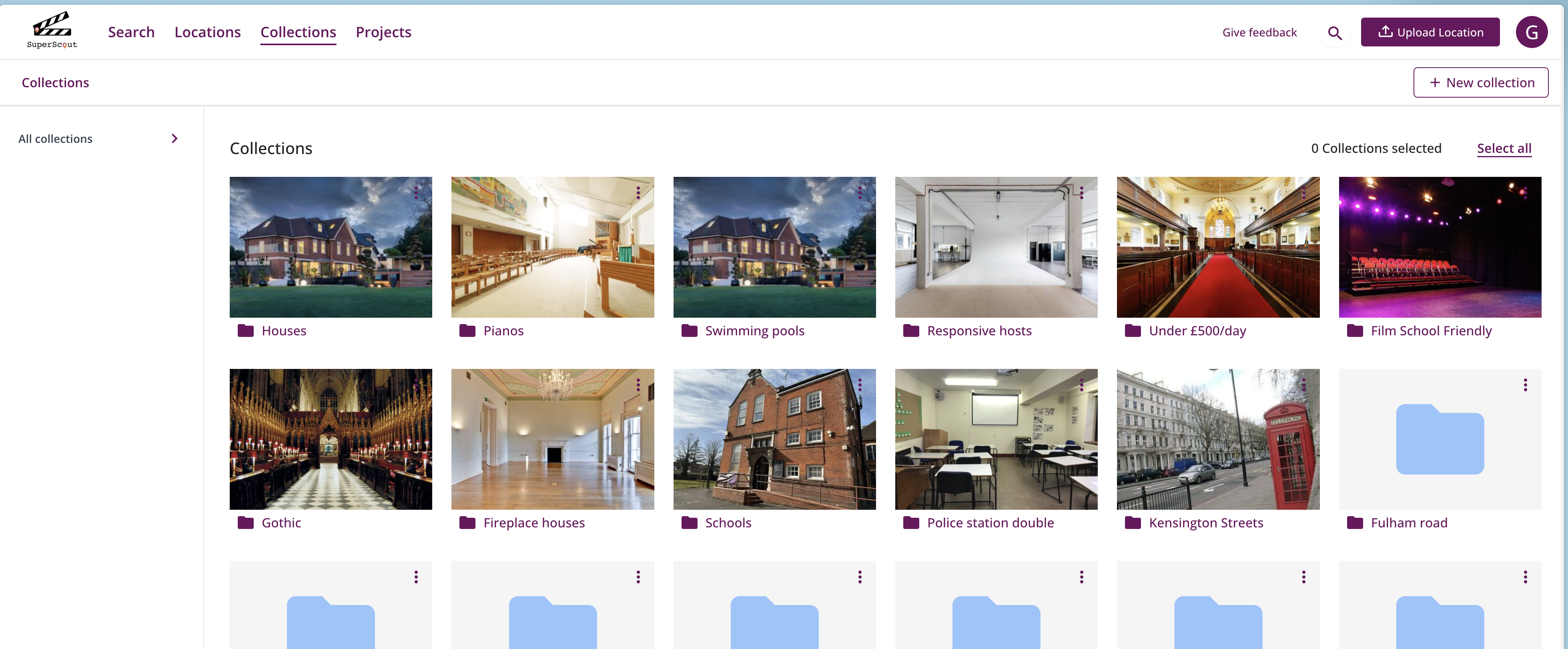
One of the most powerful features in SuperScout is Collections and Projects.
Here’s how they work, and how to get the most out of them.
What are Collections and Projects?
Collections and Projects are a way to organise your locations into logical groups without duplicating any data. A location can live in multiple folders at once — so your Victorian terrace can be in your “Victorian”, “Houses”, and “Camden” collections and your “Night Manager Season 4” project simultaneously.
There are two types:
Collections are evergreen groups — themes, aesthetics, or location types that span multiple productions. Think “Industrial Spaces”, “Waterside Locations”, or “Countryside Estates”.
Projects are production-specific groups — the locations you’re working with for a particular job. Once the production wraps, the project stays as a permanent record.
The share link integration
Every Collection and Project can be shared as a standalone link. This means you can send a client a curated set of locations — your “Warehouse Shortlist”, your “Period Drama Options” — without them seeing anything else in your database.
The link includes your branding, and you can unpublish it at any time.
Collections and Projects are included in all SuperScout plans.
Want to take it further? Dynamic Folders let you set rules so SuperScout files locations automatically as you upload them — no manual sorting needed.
Try Collections and Projects for yourself.
SuperScout is free to get started — no card needed. See what it can do for your locations workflow.
Try it now →